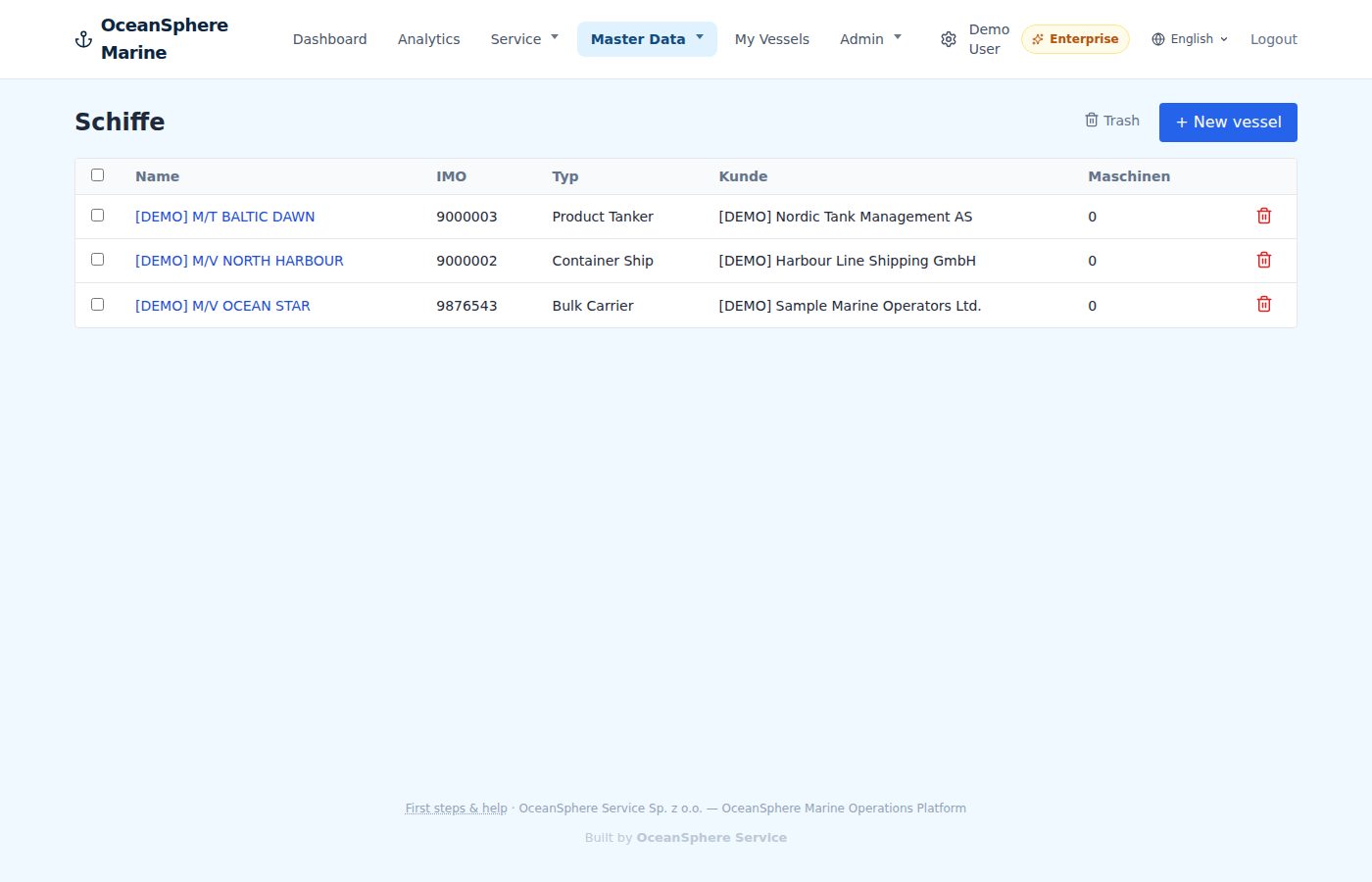
Судна
Type the name or IMO number, the rest is looked up.
Type, flag, year of build and the equipment on board sit in the vessel record. Every case on that vessel starts with the data already in place.
- Automatic lookup by name or IMO
- Equipment per vessel, reused in reports
- Trash and restore instead of hard delete
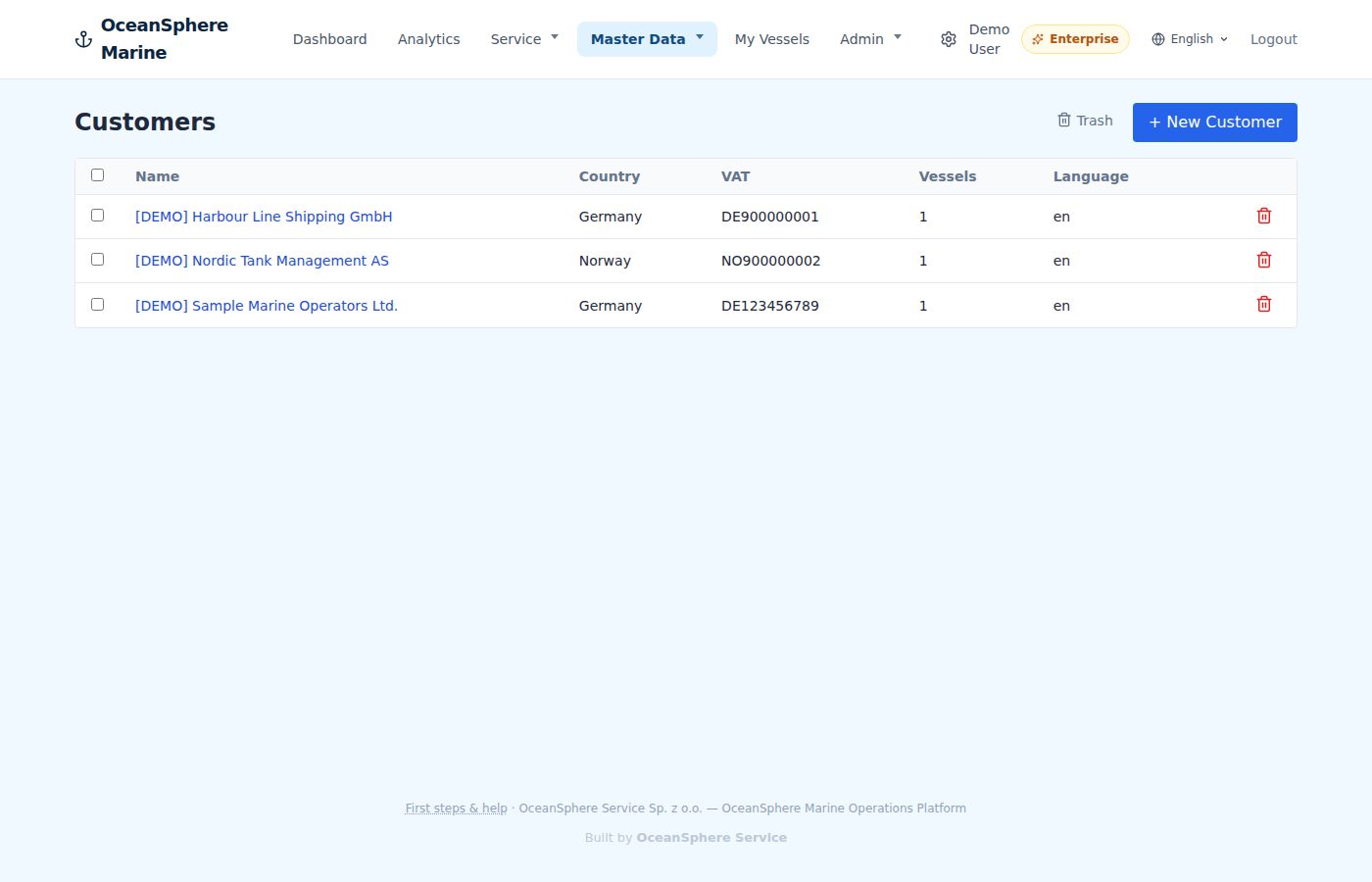
Customers & contacts
Who ordered, who signs, who receives the report.
Customer, VAT number, language and contacts. The report goes out in the customer's language and to the right person, every time.
- Contacts with role per customer
- Report language per customer
- Vessels linked to their operator
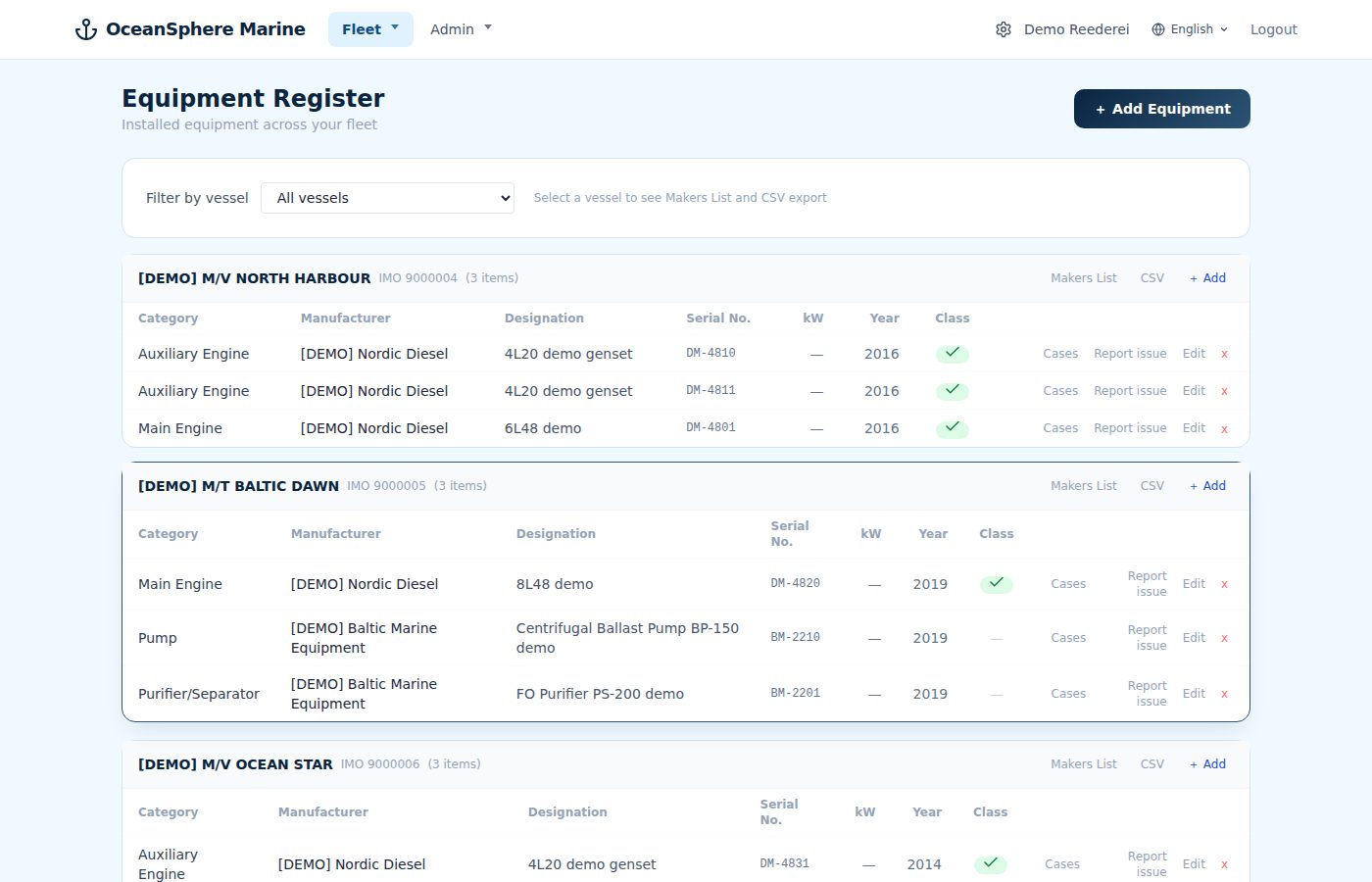
Equipment register
Every machine on every vessel, with maker, type and serial number.
Main engine, auxiliaries, separators, pumps. The register is the basis for cases, certificates and the equipment history of the fleet.
- Maker, type, serial number and class per item
- Filter by vessel, export as CSV
- Linked to cases and certificates
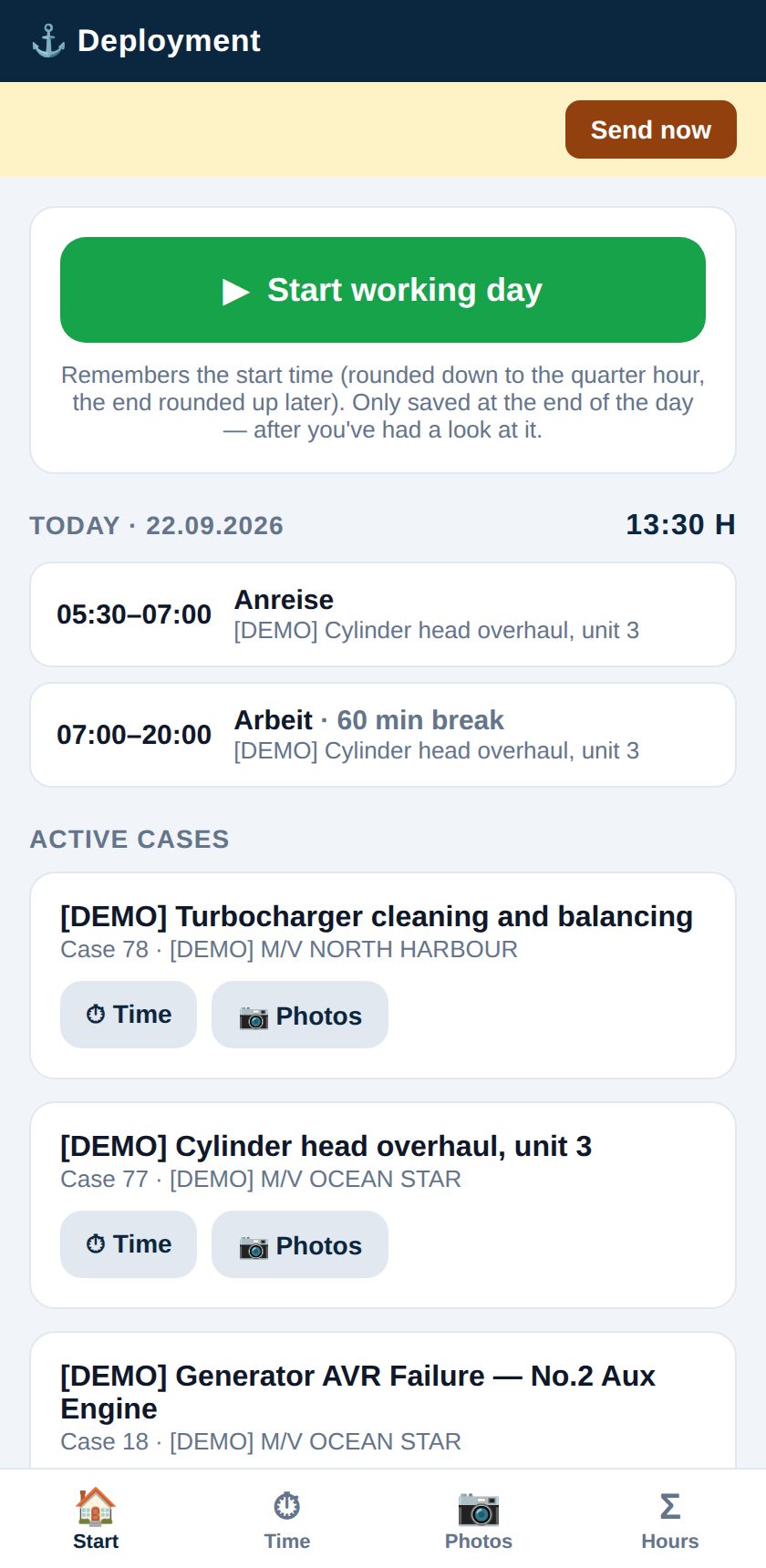
Field app
Time and photos from the phone, straight into the case.
The technician opens the day, logs start and end, takes photos and leaves notes. Installs like an app, works on any phone.
- Start and stop the working day with one tap
- Photos land in the daily report
- Active cases listed for the technician only
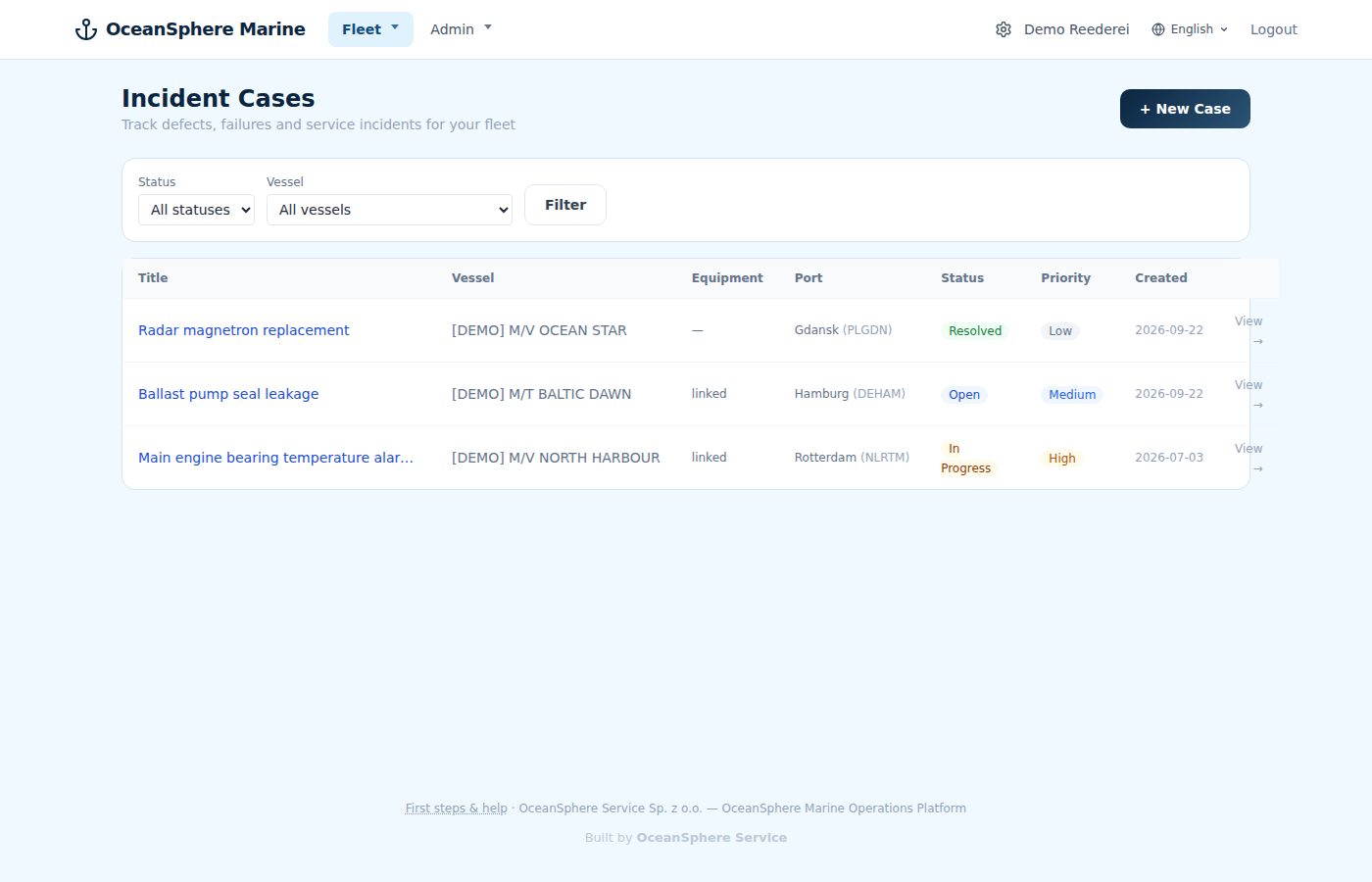
Incident cases
Fault reports from the fleet side, with their own case list.
Shipowners and managers log an incident against a vessel and its equipment. Status, priority and port make it a case the service side can pick up.
- Incident per vessel and equipment
- Status and priority visible to both sides
- Filter by vessel and status