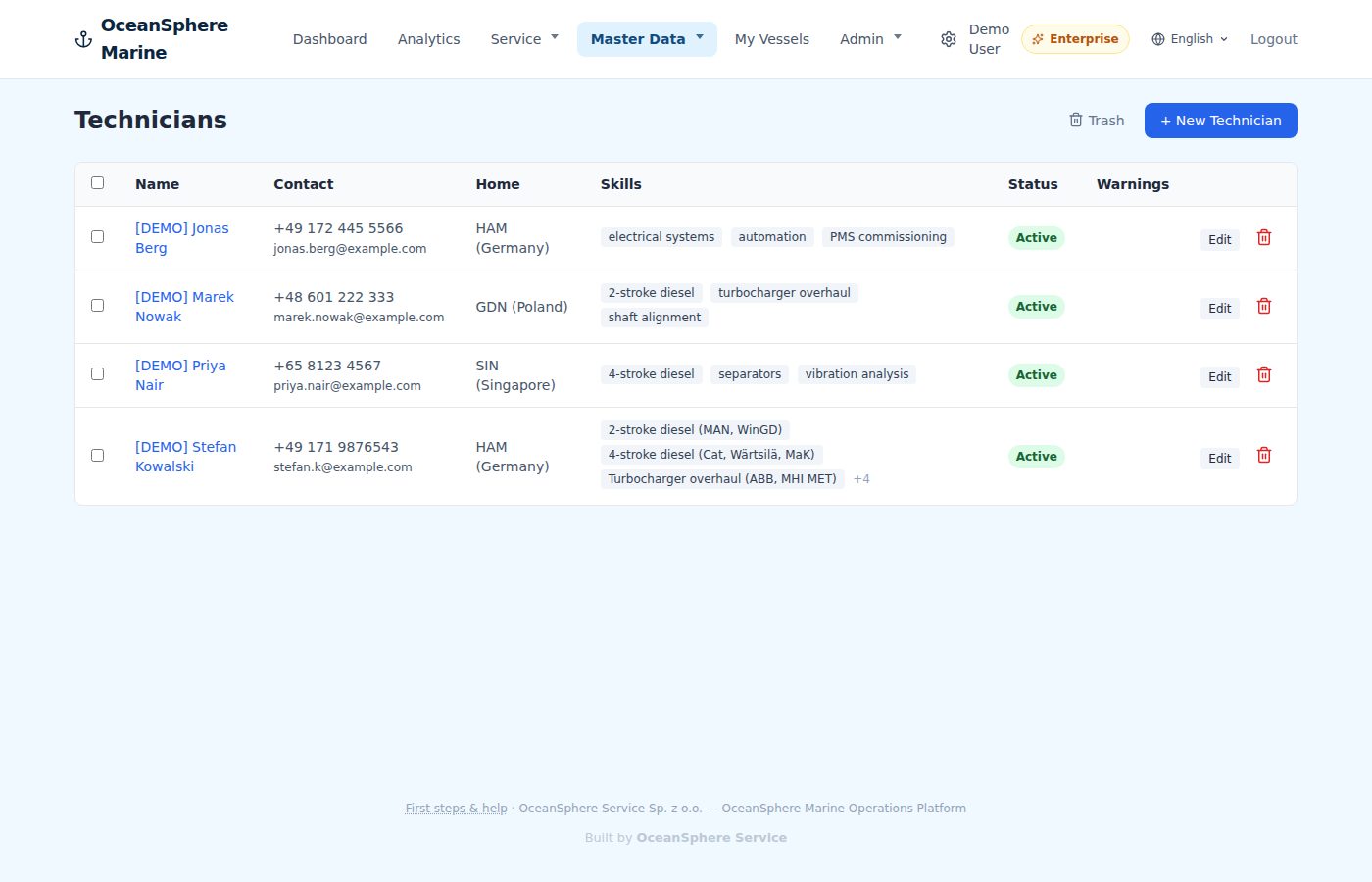
Техніки
One profile per technician, with everything the customer or the port will ask for.
Skills, home base, day and hour rates, documents and certificates with expiry dates. The profile feeds the assignment, the timesheet and the invoice.
- Documents and certificates attached, exported as one PDF
- Day and hour rates per technician, used by the timesheet
- Status active or inactive, warnings for expiring papers
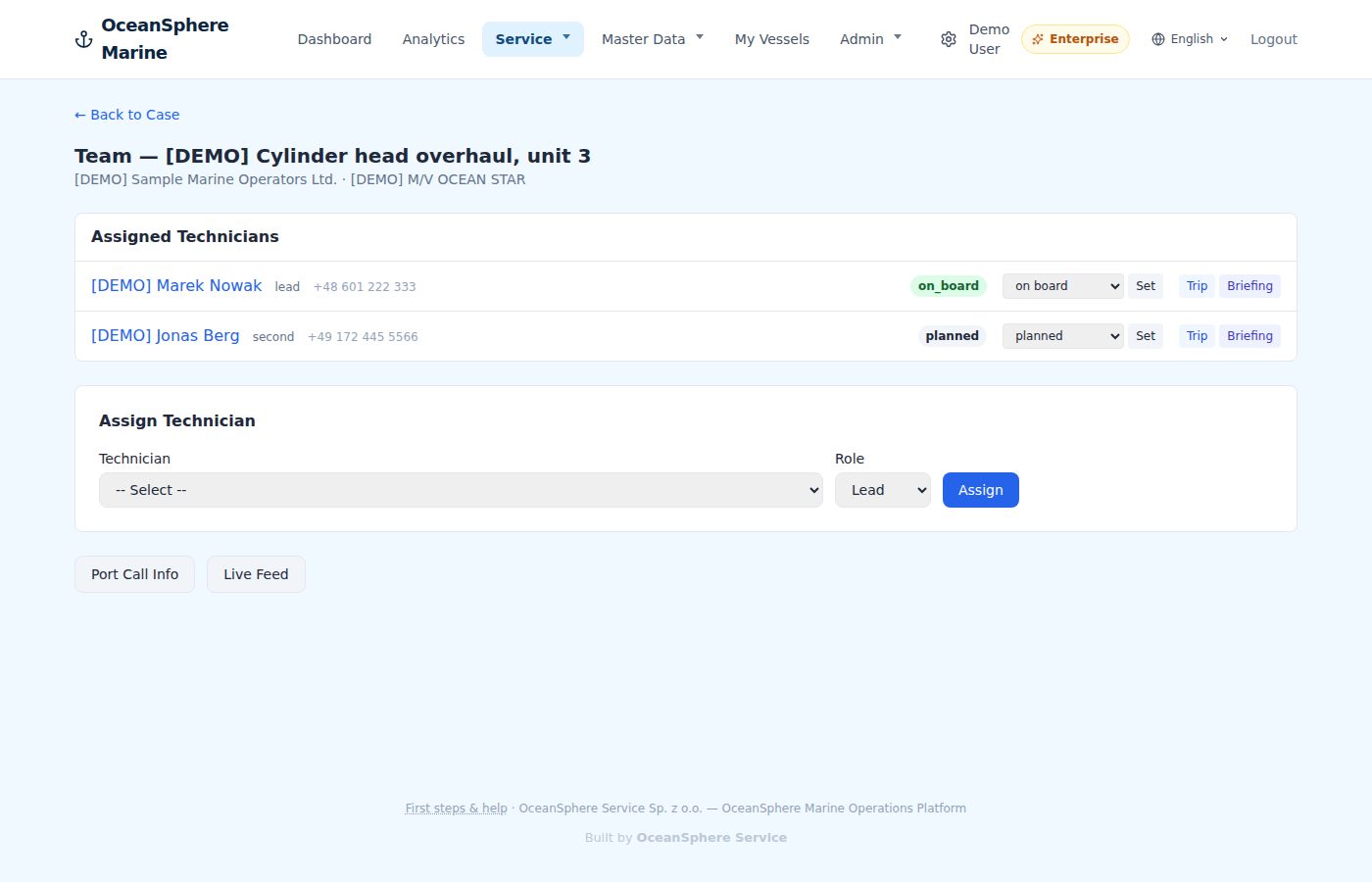
Assignments & briefings
Assign a technician to the case, plan the trip, write the briefing.
Each assignment carries its role, status, port and flight. The briefing goes out from the case, and the technician sees the job on the phone the same minute.
- Lead and engineer roles per case
- Port call, flight and hotel on the assignment
- Briefing and live feed shared with the technician
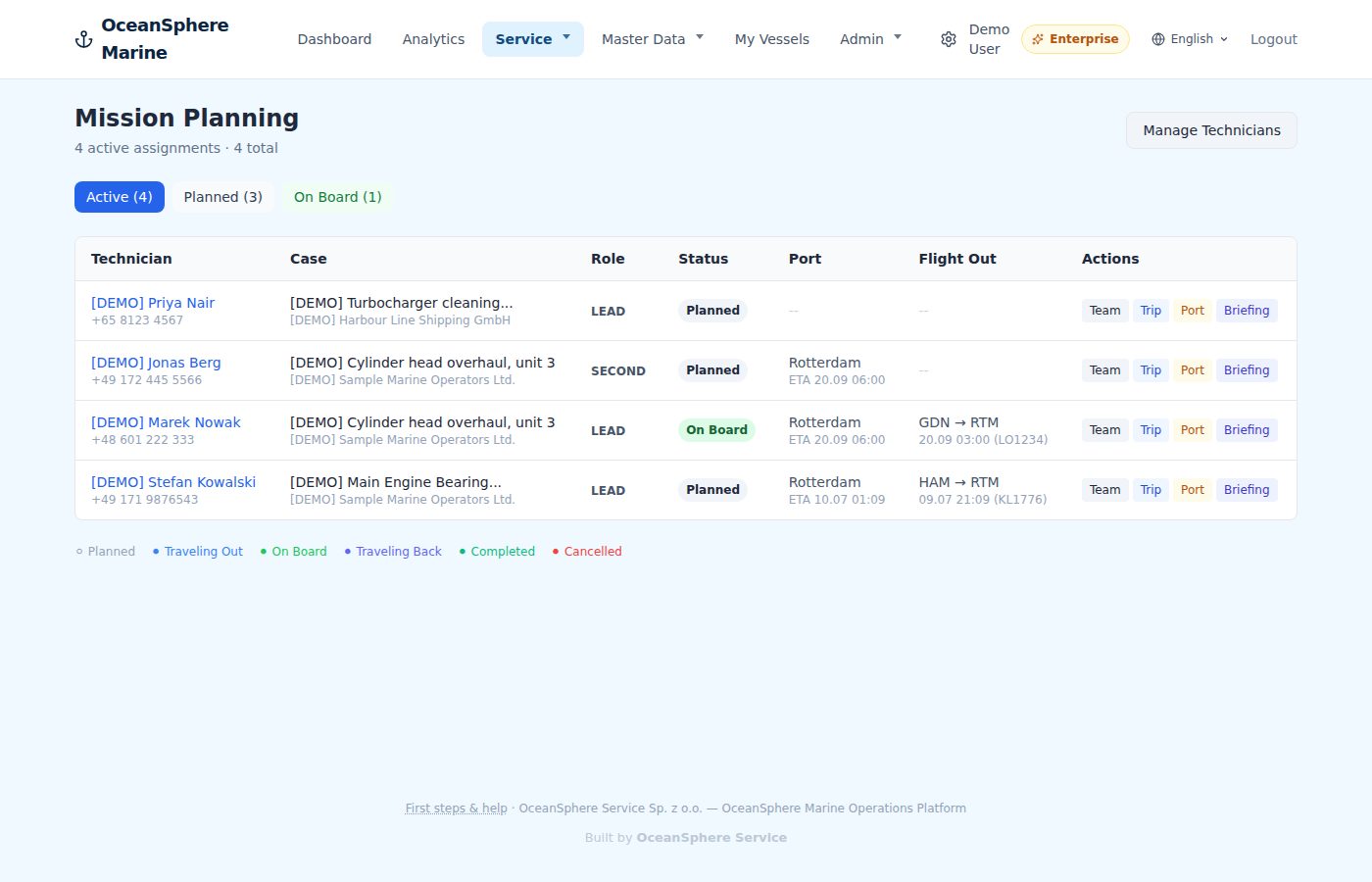
Mission overview
Every open case across the company on one screen.
Who is planned, who is travelling, who is on site. Filter by status and see at once where the next gap is.
- All cases and assignments in one table
- Filter by planned, travelling, on site, completed
- Jump straight to the team, trip or briefing
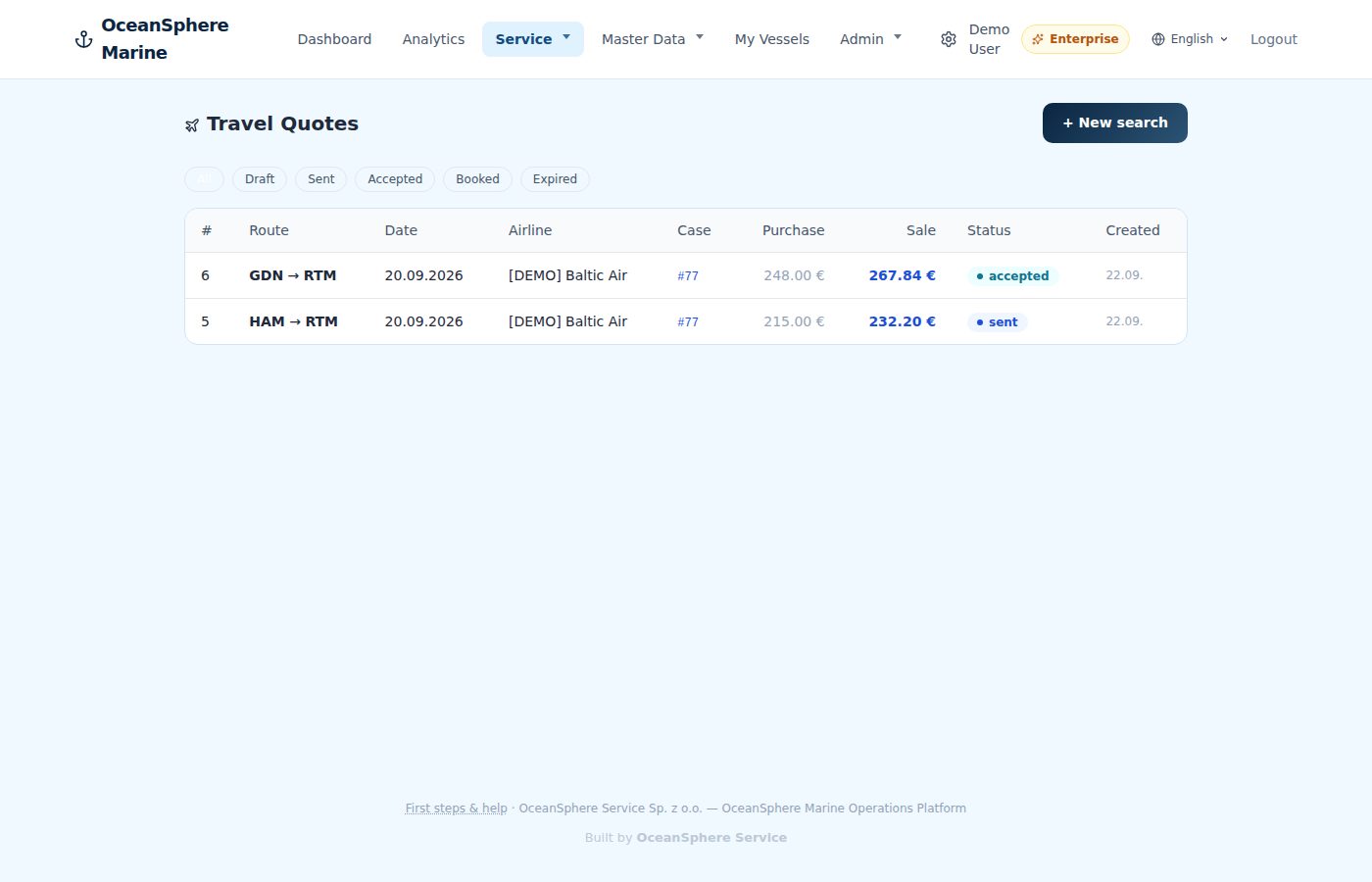
Travel
Search the flight, price the trip, send the travel quote.
Flights are searched from the case with the technician's home base already filled in. Markup, quote PDF and booking follow without leaving the app.
- Flight search with the home base prefilled
- Travel quote with your markup as PDF
- Quotes listed by case with draft, sent, accepted